
After working with Formik, React Hook Form, and Zod in React projects, SvelteKit’s built-in form actions feel refreshingly close to the original web platform. There is no need for a client-side form framework just to send a request and display validation feedback. The server accepts a POST, validates it, and returns a result that the page can render.
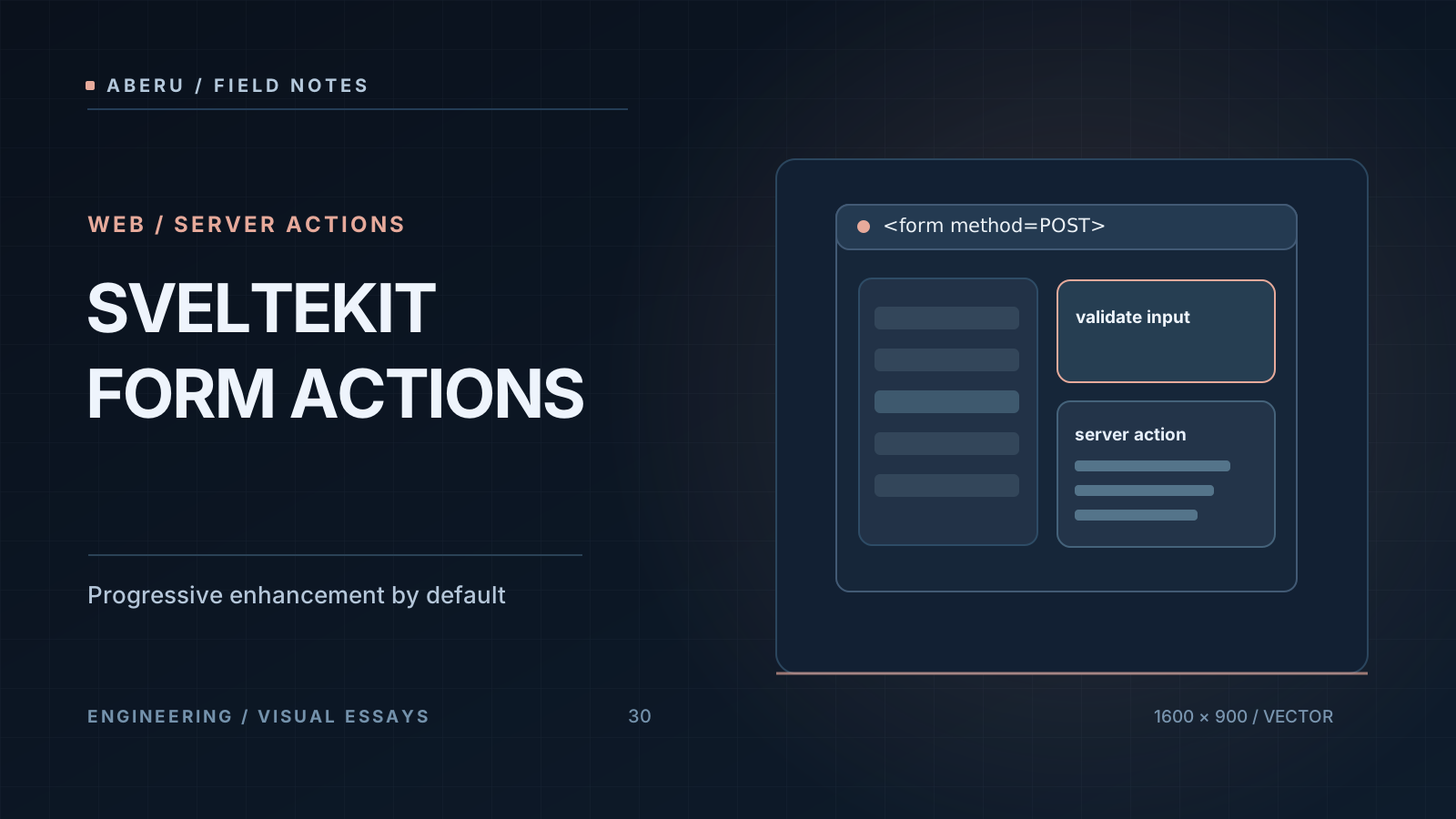
The Basic Pattern
// +page.server.ts
import { fail } from '@sveltejs/kit';

export const actions = {
  default: async ({ request }) => {
    const formData = await request.formData();
    const email = formData.get('email');
    if (typeof email !== 'string' || !email.includes('@')) {
      return fail(400, { email, error: 'Invalid email' });
    }
    // Process the submission...
    return { success: true };
  }
};
<!-- +page.svelte -->
<script>
  export let form;
</script>

<form method="POST">
  <input name="email" value={form?.email ?? ''} />
  {#if form?.error}<p class="error">{form.error}</p>{/if}
  {#if form?.success}<p class="ok">Received!</p>{/if}
  <button type="submit">Send</button>
</form>
No custom fetch wrapper, JSON serialization, or React state hook is required for this basic workflow. The browser submits a normal HTML form; SvelteKit handles it on the server. With JavaScript enabled, progressive enhancement can improve the experience, but the action remains usable without JavaScript.
When Not to Use Form Actions Alone
If the product needs highly customized interactions—drag-and-drop, live validation on every keystroke, or complex client-side editors—add client-side JavaScript where it is useful. For common contact, subscription, and login forms, native form actions often provide a simpler starting point.
Conclusion
SvelteKit encourages thinking about forms as the web originally designed them: a POST request, form data, and a response. It can feel less magical than a large form abstraction, but it is easier to reason about and progressively enhance.


