
A form can be drawn correctly before your JavaScript is downloaded. It has an accessible mailing field, a button and labels. Nevertheless, it still doesn’t respond to events with the conduct we define at Svelte. That interval better explain the interactive islands that the simplified formula “Astro commands HTML and Svelte puts magic.”
The goal isn’t to use an island because the component is small: it’s to decide what part of the document needs status and events in the browser. In this blog the article is presenderized content while the form is an island Svelte. The structure is sufficient to illustrate boundaries without inventing bundle sizes or claiming that the form is connected to an actual newsletters service.
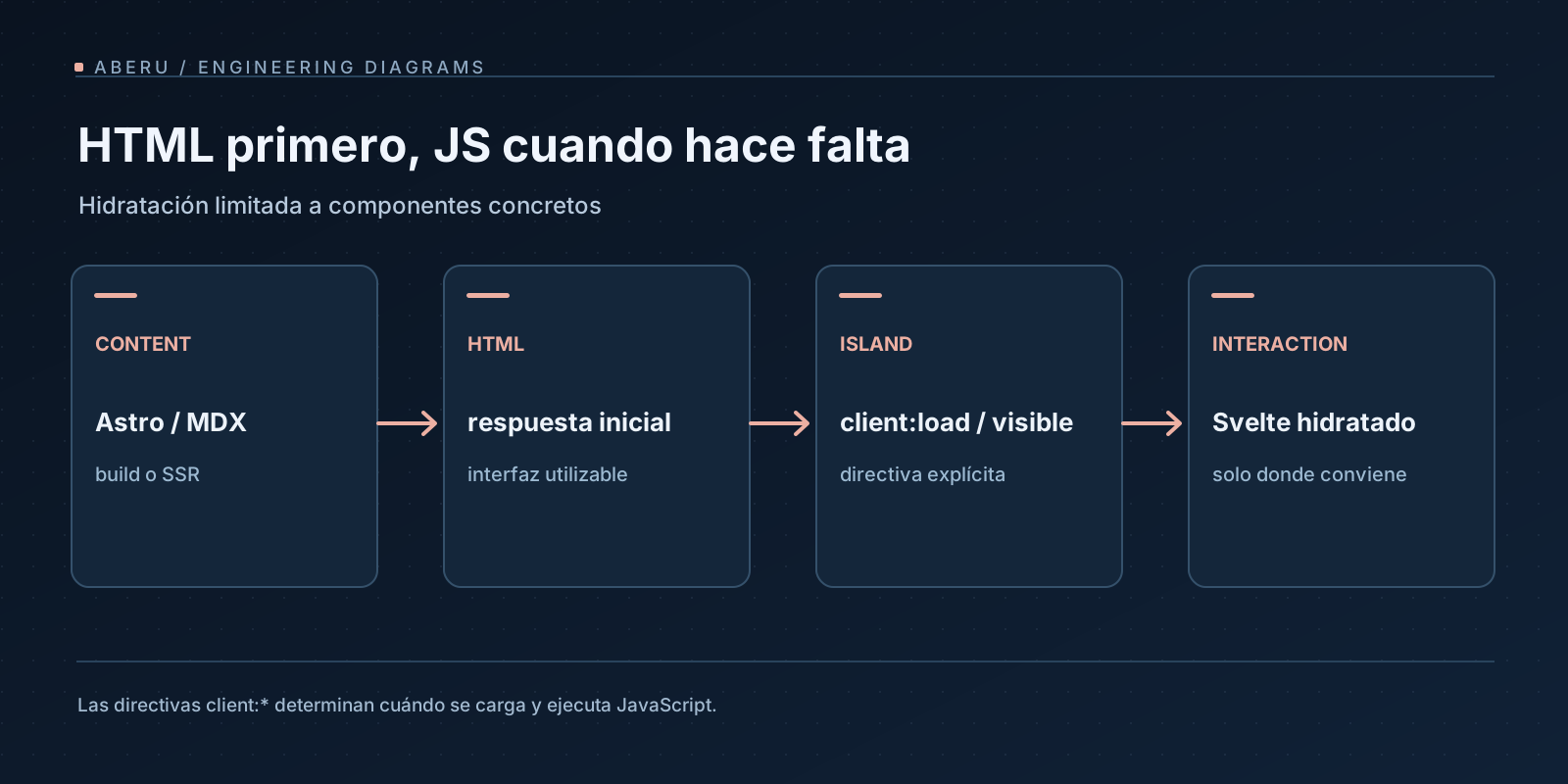
4 phases that should be put at an end
For a hydrated island there are four conceptual different moments:
- Reg from HTML. Astro builds the page and a Svelte component can produce initial server or built marking.
- Download. The browser gets the JavaScript modules that the island needs under its
client:*directive. - Evaluation. The browser runs the downloaded code and this isn’t synonymous with the component being fully responsive.
- Hydration. The frame connects the performance of the component with HTML and its initial status.
A .astro component does not itself hydrate with client:load. The directives apply to frameworks components directly imported from a .astro file. Also, * presenderized * with * without JavaScript * should not be confused: the page can be static at its origin and interactive after hydration. The documentación de islas and directivas de Astro are the primary references.
The cost of an island doesn’t end with the weight of the script
The browser should transfer, analyse, evaluate and run component logic and you may also have to load CSS and manage events. The cost depends on the actual dependence of the framework, shared modules, device, cache and how the bundle has been divided. To say “Svelte always weighs 4-8 KB” or “have no runtime” does not describe the output of a particular build and does not constitute a measure.
Svelte compiles components and can produce compact JavaScript, but that doesn’t completely remove its run dependencies. The verifiable statement for this project is that Svelte manages the interactive part without forcing the whole article to become a client application.
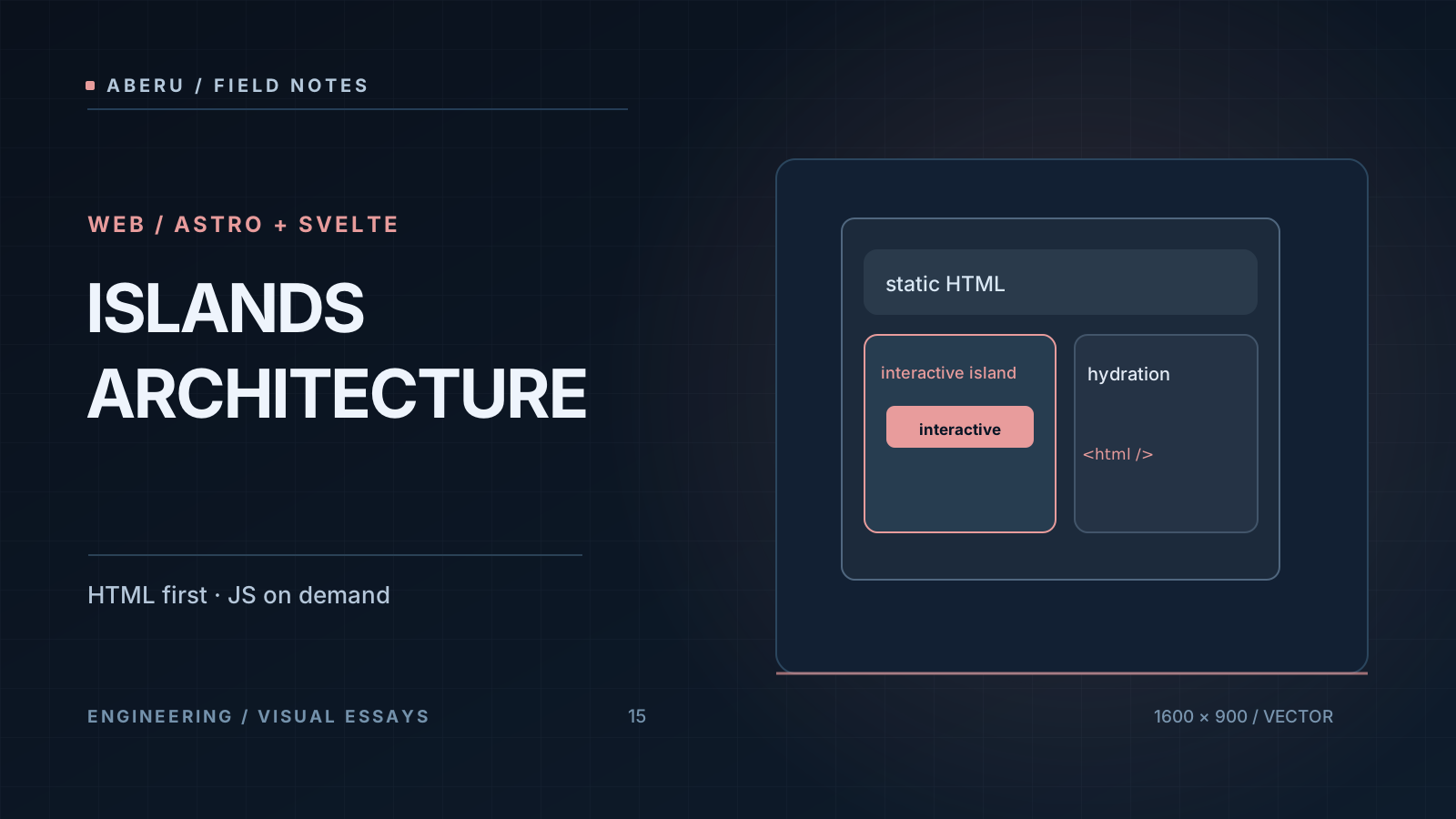
Directives: When interactivity is activated
The five most important strategies have a different semantics:
| Directive | Main status | Reasonable use |
|---|---|---|
client:load | Loading and hydrates as soon as you start the page | Visible form to be available soon |
client:idle | Differentiates the load to a period of inactivity | Non-critical widget, low priority |
client:visible | activated after entering the observed area | Interaction that appears at the following reading |
client:media="(max-width: 48rem)" | Wait till the mean query matches | Only necessary interface in a display range |
client:only="svelte" | Unds the HTML render of that component on server | A browser’s APIs dependent interface while rendering |
client:only isn’t a free performance option. When an interface’s initial HTML brings meaning, accessibility or discovery, eliminating your server render can make experience worse and require clear justification and, if appropriate, a fallback.
A directive also does not replace business conditions: that the form will be damaged earlier does not make backend persist data. The choice should respond to a functional requirement, and not to a table of “the fastest.”
A real Repository case: the Subscription Form
The project states Astro 4 (^4.16.18), Svelte 4 (^4.2.19) and @astrojs/svelte 5.x. The form lives at src/components/SubscribeForm.svelte and the article page uses it as follows:
---
import SubscribeForm from '../../components/SubscribeForm.svelte';
---

<SubscribeForm variant="plain" client:load />
At Svelte 4, regular reactive variables are declared and events are heard with on:submit and on:input and bind:value connect the input status. The following fragment abridges the actual component’s pattern to isolate status control and does not replace its bug management and an accessible HTML project:
<script lang="ts">
  let email = '';
  let status: 'idle' | 'loading' | 'success' | 'error' = 'idle';

  async function submit(event: Event) {
    event.preventDefault();
    if (status === 'loading') return;
    status = 'loading';
    try {
      const response = await fetch('/api/subscribe', {
        method: 'POST',
        headers: { 'Content-Type': 'application/json' },
        body: JSON.stringify({ email: email.trim() }),
      });
      status = response.ok ? 'success' : 'error';
    } catch {
      status = 'error';
    }
  }
</script>

<form on:submit={submit}>
  <label for="signup-email">Correo electrónico</label>
  <input id="signup-email" type="email" required bind:value={email} />
  <button type="submit" disabled={status === 'loading'}>
    {status === 'loading' ? 'Procesando…' : 'Enviar'}
  </button>
</form>
A satisfactory HTTP response code does not prove that a subscription has been established. The current endpoint, src/pages/api/subscribe.ts, valids the email format and responds with a simulated result and does not send emails or persist addresses. The actual component also information about this at the interface and uses aria-live, error states and reset controls. It’s important to preserve that distinction so as not to turn an integration mock into a nonexistent functionality.
Why client:load instead of client:visible?
The current implementation uses client:load in both the article and surfaces where you are invited to send the form. With client:visible you could differ JavaScript if the widget is far from the first Viewport but a user that quickly arrives at it could find a short interval without interactive response. That’s a design hypothesis to measure with instrumentation and testing, not a universal reason to choose a directive.
The right decision requires monitoring widget location, interplay times, visible HTML without JS, charging status and actual errors. A browser test should at least confirm that the control does not result in duplication and that it reports connection faults understandably.
Svelte 4 isn’t Svelte 5
The documentación actual de la integración focuses on Svelte 5 and advises using @astrojs/svelte@5 for Svelte 3 / 4. That repository is already in that line of integration. To change examples from the blog to $props(), $state() and onclick as if they were available in their current configuration would be to mix a future migration with the studied case.
| Responsibility | Project Svelte 4 | In examples of Svelte 5 |
|---|---|---|
| Props | export let variant = 'plain' | let { variant } = $props() |
| State | let status = 'idle' | let status = $state('idle') |
| component events / DOM | on:submit={submit} | onsubmit={submit} |
| Effects | Reactivity legacy ($: as appropriate) | $effect() for client purposes |
The table serves to read documentation without copying incompatible syntax. He doesn’t propose to migrate the project to Svelte 5. Before we do so we have to review versions of Astro, integration, components and dependencies and run build and tests.
The data border: Props and interisland communication
A Astro page can pass to an island the initial data that needs to be renderized. Those Props should be able to be serialised under Astro’s rules. No attempt should be made to send a server status feature, database connection or an infrastructure object as if it were a conventional prop available to the browser.
For small interfaces, an initial prop and a local event are usually enough. When two remote islands need to be coordinated, there are several options with different costs:
- URL and query params for navigable and comportable status, as filters and searches.
- DOM events for a coked communication between components of the same page and require a decision as to who hears and cleans these listeners.
- Status persisting and server for information that should survive navigation, be validated or protected by permission.
- Storing shared client with a sustained need to sync several islands and add complexity and matching.
If the page ends up needing a lot of coordinated client status and internal navigation, evaluating an application architecture may be better than forcing dozens of independent islands. ** The island is a useful border, not a ban to use an SPA as necessary. ♪ ♪
Forms, accessibility and security
The example shows that the client runs fetch, but the authority about the request is with the server. The validation of type="email" and Svelte’s status only improve experience: they cannot replace backend validation, abuse limits, data protection, consent decisions and secure bug management.
The blog’s implementation valids a minimum form of email and has yet to be integrated with a provider. To put it into a real form would require defining persistence, data policy, treatment of repeated requests and guarantees against errors. Also an example * progressive enhancement * that works automatically without JavaScript: the current form intercetes the submission and endpoint expects JSON, so an alternative HTML flow should be designed if that was a requirement.
The IU also matters. The input should preserve label, standby status, advertisable errors and an disabled button while processing. These properties are not exclusive to Svelte: they reflect contracts from an accessible form that would continue to exist with React, Vue or traditional HTML.
How to verify the result without inventing a Benchmark
A useful technical monitoring after editing an island is to compare the presenderized output and interplay in the browser:
- Run
bun run buildandbun run testwith the project lockfile. - Inspect the initial HTML of the article’s path: available content and intended Markup form.
- In browser, send invalid email, a valid attempt and simulate network error; check accessible states and ads.
- Inspect Network / Performance to separate code and time download up to interaction.
- To measure in a documented environment before claiming KB saving, INP improvements or LCP changes.
The battery was not performed as part of the article’s drafting. The earlier Svelte fragment is illustrative and the true reference code is the versed component in the repository.
Conclusion: To hydrate by necessity and not by custom
Astro decides what structure can be delivered as HTML; Svelte brings interactivity where the document needs it. The most important technical border isn’t at the framing mark but at the time the browser downloads code and takes status. Maintaining this explicit border makes it easier to diagnose performance, accessibility and maintenance challenges.
If you wish to understand how the content is prepared before you get to an island, check with Por qué elegí Astro. The artículo sobre formularios en SvelteKit develops another architecture to manage POST but its * form actions * model should not be confused with Astro’s JSON endpoint of this project.
References: Astro Islands, directivas de Astro, integración Svelte and documentación de Svelte 5 sobre estado (the latter, only for version contrast).

