
A development environment doesn’t start after we open the editor. Start earlier: in the system that recognizes the outside screen, it delivers keyboard events, launches the terminal and allows to share a window with a video call. If one of these layers fails, no optimization of the editor compensates for the time lost to diagnose them.
The combination of Arch Linux and Hyprland allows you to decide many of these pieces and save their settings as text. That monitoring has a counterbalance: customize a desktop doesn’t amount to guaranteeing its reproducibility, and reducing friction at the interface doesn’t eliminate operation work. A useful workspace can also be inspected, updated and retrieved.
The analysis uses the Hyprland 0.57.2, publicada el 9 de noviembre de 2026 line as a temporary reference, without claiming that a hypothetical configuration represents its author’s dotapes. Arch is * rolling release *: The versions installed on each computer can change after that date.
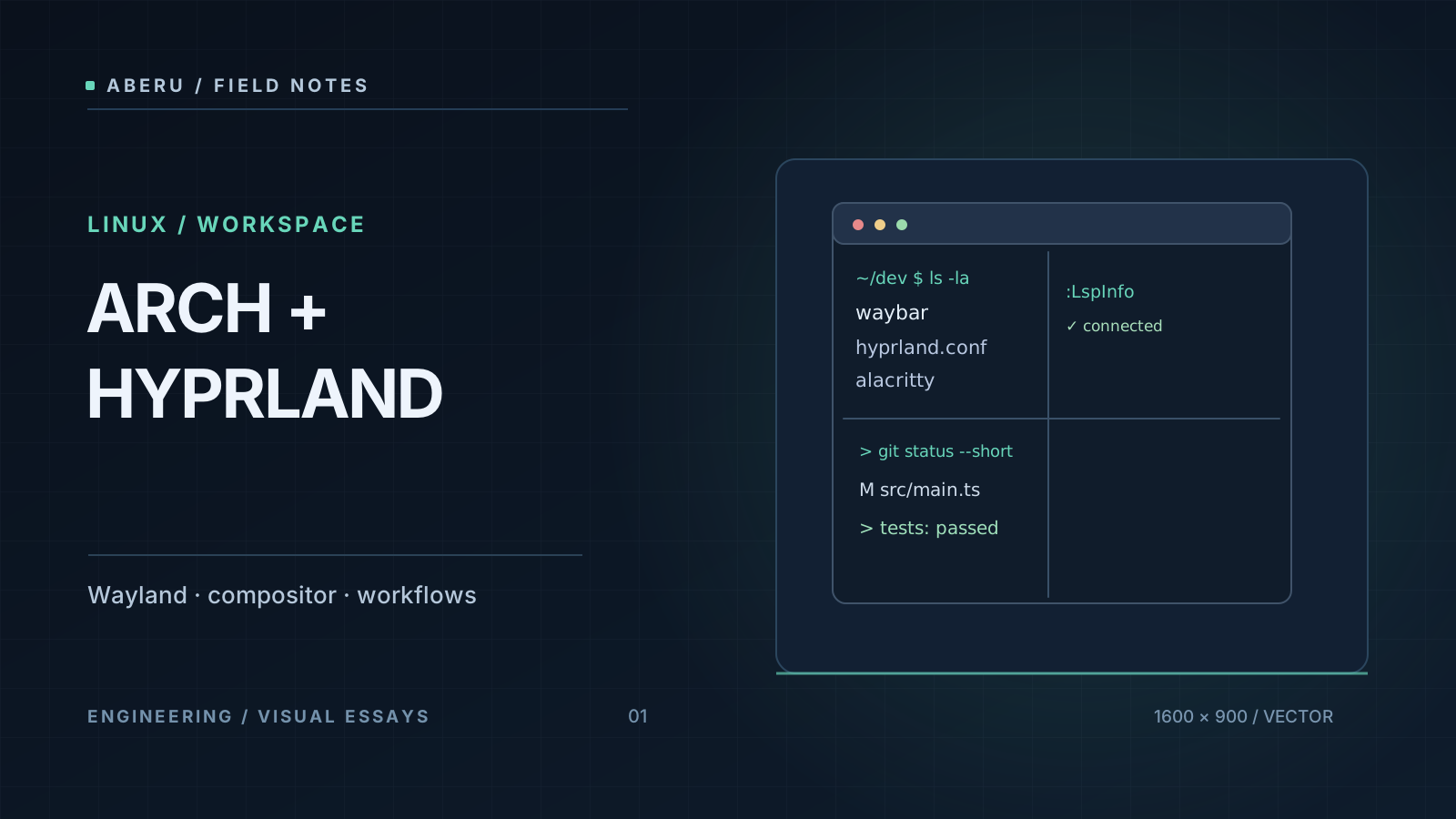
Separate layers before adjusting windows
Arch provides a Linux distribution and a set of tools to manage packages and system. Wayland is the protocol that defines the relationship between graphic and composer clients. Hyprland implements a Wayland composer: decides composition, window management, entrance, monitors and jobs. It’s not a monolithic desktop environment that should necessarily include bar, notifications, file manager and suspension policies.
The distinction resolves several regular diagnoses. If a graphic application command does not start, it can be a launch problem or environment. If the window appears on the wrong monitor, we investigate composer’s rules. If a video call doesn’t list the screen, the portal and PipeWire come into play. And if a command works locally, but Fits by SSH, we have to look at the remote terminal and its environment, not assign it to Hyprland.
Several components may co-exist at an actual workstation:
| Responsibility | Typical component | What doesn’t guarantee |
|---|---|---|
| Packages and updates | Arch and pacman | Filling all project units |
| Windows composition and organization | Hyprland | To manage all desktop services by itself |
| Terminal Excision | Foot or Alacritty | Keep processes after closing the emuler |
| Terminal sessions | tmux, optional | Rewind processes after re-start host |
| Editor and TUI tools | Neovim, Yazi, Fzf | Configure composer or graphic portal |
| Application Screenshot | Desk portal, PipeWire, WirePlumber | Filling the same for all XWayland customers |
A regular session could start a terminal from Hyprland, connect to a tmux server and open Neovim. It’s a possible composition, not an obligatory chain and a production measure. The proper functions of Neovim and tmux belong to the respective articles and here matter the interlayer contract. The Hyprland configuration documentation is the starting point for understanding its scope.
The first experiment should be to observe
Before editing files, the most valuable thing is to register the status from an already functional session. The following block is an inspection proposal, not an output of an equipment measured for this article:
hyprctl version
hyprctl monitors
hyprctl workspaces
hyprctl clients
hyprctl devices
hyprctl binds
hyprctl looks after an active composer. The list of monitors shows what Hyprland actually sees and that of customers and jobs allows them to contrast with the observed status. His subcommands and his results depend on his version and his connected peripherals. The referencia oficial de hyprctl document the collection of consultations and dyspatchers.
Don’t start by copying out names from another person’s laptop. A configuration that refers eDP-1 or HDMI-A-1 may be suitable for one machine and wrong for another. First it identifies what jobs exist, their scale and their ways and then decides what work each workspace should have.
Workspaces are states, not universal shortcuts
Keyboard monitoring is interesting when transitions are predictable: an action brings a concrete work context, rather than requiring to search between overlapping windows. That can be built with two jobs and a terminal without installing tens of extensions.
At Hyprland, the * dispatchers * conduct actions such as changing workspace or moving windows. A test that does not alter the configuration file may be:
hyprctl dispatch workspace 1
hyprctl dispatch workspace 2
hyprctl workspaces
The commands are useful only in a hyprland session and transitions will be visible if there are open customers. Once conduct has been understood, shortcuts can be versed. illustrative example, to review against syntax of the installed version:
# Fragmento de hyprland.conf; no representa dotfiles personales.
$mod = SUPER
bind = $mod, 1, workspace, 1
bind = $mod, 2, workspace, 2
bind = $mod SHIFT, 1, movetoworkspace, 1
bind = $mod SHIFT, 2, movetoworkspace, 2
It should be checked that they do not collide with existing combinations before recharging the configuration. The bindings to move windows have a semantics different from those that only change the focus; the difference is part of the workspace design. For more complex rules, check with the documentación de reglas de ventanas associated with the used version, rather than preserve old syntax as usual.
Monitoring: names, positions and scale
A logical workspace isn’t a physical monitor. The composer distributes spaces and surfaces about * outputs * and an outside connection can be put back and forth or his available ways have been changed. The reasonable order of diagnosis is: detected output, select mode, scale, disposal, assigned workspace and specific rule of application. The guía de monitores addresses these issues.
No list of invented resolutions was required to explain the criterion. On mixed screens can be more valuable than the cursor and focus behaves consistently between different scales than achieve an esthetically symmetric capture. The monitoring profiles and the applying rules should be tested with both the connected and off-connected monitoring.
A Wayland desktop is also a permission system
At X11 an application was usually widely accessible to the screen. Wayland reduces that direct access and moves several applications to mediates. Sharing display shows complete string: an application requests capture, a portal negotiates selection / authorization and PipeWire carries frames.
For Hyprland, guía oficial de screen sharing identifies xdg-desktop-portal-hyprland, PipeWire and WirePlumber as relevant pieces. Also warns about limitations of some applications running under XWayland. It’s wrong to diagnose all capture malfunctions as “NVIDIA problem” and promise that installing an isolated package will solve them.
A reproducible research without changing the system asks:
- Do the application run as a native Wayland client or using XWayland?
- Is the proper portal service for the session activated?
- Do PipeWire and the audio / video session manager work?
- Can the application select a window, a monitor or none?
- Do we have a second or only first application bug?
That sequence identifies boundaries. A portal that accepts an application does not guarantee that the recipient will have a good interpretation of stream and a visible screen on the composer does not guarantee that another application will be authorized to capture it. The portals are an Access API, not a substitute for applications.
NVIDIA and several GPU: No Universal Judgement
The graphic compatibility has at least four dimensions: GPU generation, controller version, composer version and type of application (Wayland native, XWayland, advanced rendering, capture, multiple outputs). Hyprland publishes a guía de NVIDIA and configuración multi-GPU material. To consult them is more reliable than to play a fixed list of environment variables without explaining their purpose.
A black screen, a cursor defect and a video that doesn’t capture are different symptoms. The release 0.57.1 documented, for instance, corrections for some black screens with NVIDIA, and that’s evidence that details change, no that any later combination is guaranteed. Before changing drivers or rules, register versions, playback steps and the opportunity to get back to a known session.
Arch: flexibility for maintenance discipline
Arch delivers continuous packages. That model prevents great migrations by major edition but requires a review of noticias del proyecto and guía de mantenimiento as interventions are announced. It also requires an understanding of a basic restriction: partial upgrades are unsupported. Synchronize package databases and then update only one unit can produce an inconsistent combination of libraries.
For an existing system, first inspect status, package and information. The usual complete update command is sudo pacman -Syu but isn’t an inoculated diagnostic operation: changes the system, requires preparation and has not been run to write this guide. It should not be launched as a generic solution to a Hyprland defect without evaluating what will be updated.
The AUR isn’t another official repository
In official repositories, pacman instates packages with the sign and policy chain of the Arch repository. In Arch User Repository (AUR), a community maintainer mainly publishes a PKGBUILD: a recipe that can download sources and run construction instructions. The fact that a helper automates steps does not check the safety of the recipe.
The risk isn’t hypothetical. Arch published incidente de paquetes maliciosos en AUR del 12 de junio de 2026. A reasonable policy for non-official dependencies is to review PKGBUILD, source URLs, integrity checks and installation scripts before construction, as well as to detect changes to maintenance or unexpected dependencies. The ArchWiki sobre AUR insists on the community character of these recipes.
That doesn’t mean that all AUR’s are insecure. That means that his confidence border’s different. What a computer chooses to install should respond to need, maintenance and review, not just to the number of votes or ease of the helper.
Reproducing a package isn’t playing all the workstation
Arch can register construction metadata with BUILDINFO and evaluate package repeatability. But rebuilding a package from its inputs does not determine the arrangement of monitors, local secrets, devices or status of a graphic session. A set of versed endowments reduces differences and facilitates recoveries. It does not freeze the kernel, hardware or whole desktop pile.
That distinction is parallel to that of Reproducible Development with Nix & devenv: inputs from a project environment are established there, and not all host components. Arch and cesv fulfill additional responsibilities, are not two equivalent buttons for the same guarantee.
Design for failure before adding complexity
A desktop configuration has more value when you can correct it outside your usual path. Before playing rules, save a text file recovery point and check that you can get into a TTY or another functional session. If a modification breaks the graphic entry, the strategy is to restore the known configuration and revise the logs and not to stack new options until the problem goes away.
A simple acceptance guide to a proposed workspace, but still not run here, would be:
- To confirm that shortcuts change from workspace without accidentally moving windows.
- Connecting and shutting down a screen, monitoring reordering.
- Open the terminal and run the intended TUI application.
- Sharing a window with the portal from a supported application.
- Check that the environment recovers after entering and reversing a configuration change into a test copy.
That’s not a production benchmark. To compare settings, jobs, participants, errors, learning curve and metrics would be necessary. Counting keyboard pics alone does not measure engineering work quality.
Conclusion: an explicit environment, not a miraculous desk
Arch Linux and Hyprland are interesting if you wish to control and maintain your system’s composition. Your cost isn’t just about installing pieces: you’re about understanding the boundaries between them, verting decisions, evaluating the confidence of the built-in software and getting recovery. A professional workspace isn’t the one with the most shortcuts, but the one that allows to get back to work after a bad change.
To track the terminal’s path to the code, the block’s articles about Neovim, tmux and TUI tools explain these layers once they have their cover and are incorporated into the public collection. Meanwhile, its official sources are Neovim, tmux and Yazi.


