
My interest in writing workflows goes back a long way. I tried Bear, Notion, iA Writer, Ulysses, Logseq, and VS Code with plugins. I kept returning to the same problem: my text ended up trapped inside an application’s own data format, and exporting it without losing structure was often harder than it should have been.
Why Markdown?
Markdown is plain text. It is likely to outlive whichever writing application is popular today. If I open an article written now in ten years, I can still read it using cat in any terminal. I do not need an SDK, an API, or a service account.
Obsidian is a local Markdown editor whose vault is simply a directory on disk. That makes it possible to point an Astro project at the same files and publish without a proprietary export pipeline.
The Setup
Here is the folder structure I used:
~/Documents/obsidian/blog/
├── por-que-elegi-astro.md
├── markdown-obsidian-flujo.md   ← this article
├── tailwind-sin-css.md
└── islas-svelte-astro.md
In the Astro project:
src/content/blog/  ← symlink to the Obsidian folder
src/content/config.ts  ← Zod schema
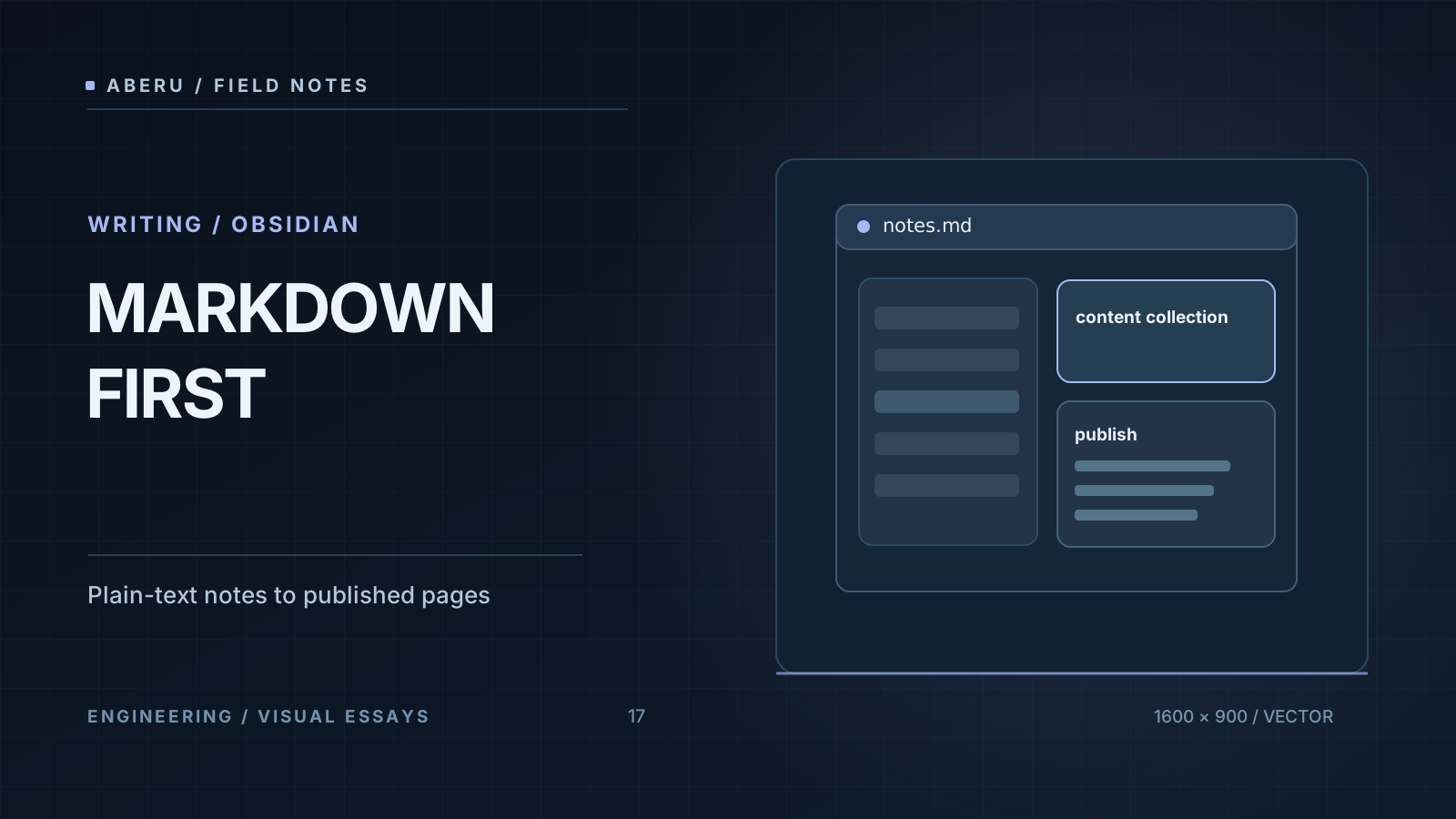
With src/content/blog/ linked to ~/Documents/obsidian/blog/, saving an article in Obsidian makes it available immediately in astro dev. There is no separate publishing API: save the file and reload the page.
Typed Frontmatter
The Zod schema for the content collection requires fields such as title and pubDate, and supports tags, description, and draft. If I write an invalid frontmatter value in Obsidian—for example, omit the date or use the wrong type—Astro reports it during development before the page reaches the browser.
---
title: "My Article"
pubDate: 2025-09-10
tags: ["markdown", "obsidian"]
draft: false
---
Drafts: Work in Progress Without Publishing
The draft: true flag lets me keep unfinished articles in the same vault. A helper such as getPublishedPosts() filters them out:
const posts = await getCollection('blog', ({ data }) => !data.draft);
I can save an incomplete piece, close Obsidian, and keep the production blog limited to published content.
Synchronization Across Devices
Obsidian Sync, iCloud, or Git can keep the vault available on a laptop and phone. I can start writing during a commute and finish at home. It is still plain Markdown: easy to version, move, and back up.
Conclusion
Markdown, Obsidian, and Astro form one of the most sustainable writing workflows I have used. The content lives in plain text, the editor works locally, and the published site can remain static and inexpensive to host. If long-term ownership of your writing matters, this is a practical approach.